

For most websites, yes: WebP is worth using. It is supported by all current major browsers, handles both photos and transparent graphics, and is often smaller than JPG or PNG at similar quality. But it is not always smaller, so measure your own images before switching everything. You can compare quickly with JPG to WebP or PNG to WebP, which show both sizes.
Where WebP clearly wins
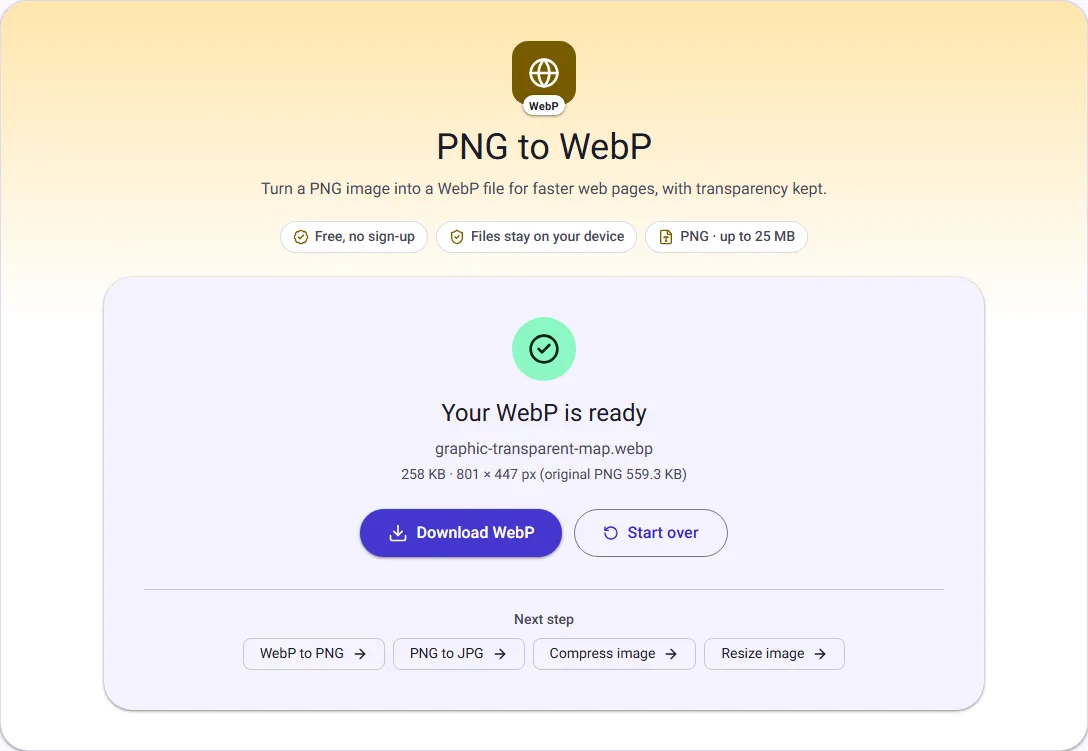
Graphics with transparency. PNG is the traditional choice for logos and cut-out images, and PNG files of detailed graphics can be large. Our public-domain map with a transparent background was 559.3 KB as a PNG and 258.0 KB as a WebP at quality 80, with the transparency kept.
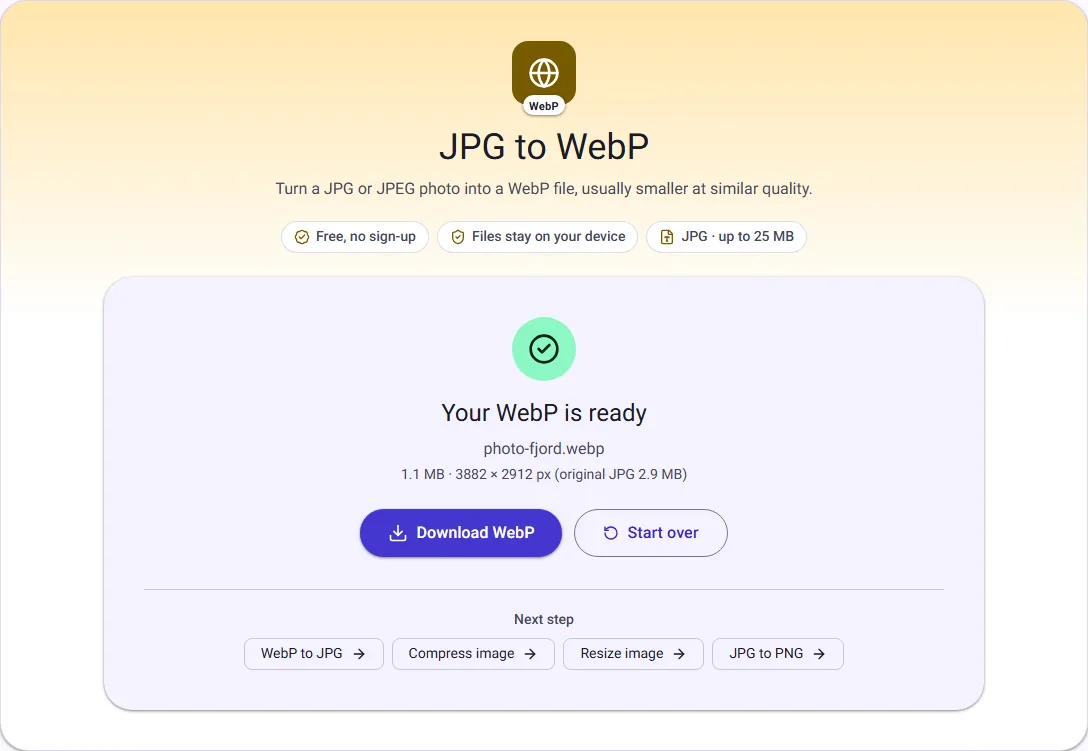
Full-size photos. A 2.9 MB phone-style JPG became a 1.1 MB WebP at quality 80, with the same pixel dimensions.
Simple screenshots. A 20.9 KB PNG screenshot was 11.1 KB as a WebP.
Where it does not
Once a photo has been resized for the web, the gap narrows. At 1600 pixels wide, we compressed two photos both ways:
| Photo (1600 px wide) | JPG q75 | WebP q75 | JPG q60 | WebP q60 |
|---|---|---|---|---|
| Fjord landscape | 202.2 KB | 181.8 KB | 142.3 KB | 150.9 KB |
| Oak leaves | 117.2 KB | 89.3 KB | 81.7 KB | 72.4 KB |
WebP won in three of four cases, but for the fjord at quality 60 the JPG was smaller. A well-compressed JPG can match WebP, so the saving for already optimised photos may be modest.
Compatibility
All current versions of Chrome, Edge, Firefox and Safari display WebP (browser support details). The gaps are elsewhere:
- Email. Some email programs do not show WebP. Use JPG or PNG in newsletters.
- Downloads for your visitors. If people will save and reuse your images, for example press photos, offer JPG or PNG; some older software still refuses WebP.
- Very old browsers. If you must support them, serve WebP with a JPG fallback using the HTML
pictureelement.
Serving WebP with a fallback
If you are not sure every visitor can see WebP, the HTML picture element lets the browser choose. Browsers that understand WebP load the first source; any other browser falls back to the JPG:
<picture>
  <source srcset="fjord.webp" type="image/webp" />
  <img src="fjord.jpg" alt="Lysefjorden seen from Preikestolen" width="1600" height="1200" />
</picture>
Many website builders and image services do this for you. If yours does, you only need to upload a good JPG or PNG.
Quality settings that work
For photos, quality 75 to 80 is a sensible starting point in both WebP and JPG; our table shows how the size moves between 60 and 75. For graphics with text or thin lines, look closely at the edges after converting, because lossy WebP can soften them slightly. If it does, try a higher quality or keep the PNG.
Try it on one of your own images
A five-minute test tells you more than any general rule:
- Pick a typical photo from your site and resize it to the width you display with Resize image.
- Convert that resized JPG with JPG to WebP at quality 80 and note the size.
- Compress the same resized JPG with Compress image at quality 80 and note that size.
- Compare the two files side by side at the size your page shows them.
If the WebP is clearly smaller and looks the same, it is worth switching. If the two are close, keep JPG, which works everywhere.
Location data in published photos
Phone photos often record where they were taken. Our JPG to WebP converter creates the WebP from the pixels only, so camera details, including GPS location, are not copied into it. That is usually what you want for images you publish.
What about AVIF?
AVIF is a newer image format that current versions of the major browsers also display, and it is often smaller than WebP. We do not offer AVIF converters yet. WebP remains the safer choice where older software is involved, because more programs and services accept it.
How to decide
- Resize your images to the width you display first; that is where most of the saving is. See How to reduce image size for a website.
- Convert a few typical images to WebP and compare sizes with a well-compressed JPG at the same quality.
- If WebP is clearly smaller for your images, use it. If not, a compressed JPG is fine.
WebP is lossy in our converters, like JPG: converting from JPG compresses the photo a second time. Always keep your original files.
Questions people ask
Will WebP improve my search ranking? Not by itself. Faster pages are a better experience, and image size is one part of that, but the format alone is not a ranking signal.
Does WordPress accept WebP? Yes. WordPress has accepted WebP uploads since version 5.8, and many other website builders accept them too.
Should I convert all my old images? Only if it saves a meaningful amount. Measure a handful first; resizing oversized images usually saves far more than changing the format.
How we measured
On 30 September 2026 we used our own JPG to WebP, PNG to WebP, Resize image and Compress image tools in Chrome on public-domain images from Wikimedia Commons: a fjord photo (CC0), oak leaves (CC0), a screenshot of example.com (CC0) and a geological map with a transparent background (public domain). The 1600-pixel versions were made with Resize image (JPG quality 90) and then compressed. On 17 October 2026 we repeated the photo and map conversions for the screenshots and got the same sizes. Sizes are the downloaded files, in KB and MB of 1024 bytes.


