

Merge PDF
Combine two to five PDF files into one PDF, in the order you choose.
- Free, no sign-up
- Files stay on your device
- PDF / up to 50 MB
Step by step
How to merge PDF files
Step 1: Drop your PDFs on the box above, or select Choose files. Add more until the list is complete.
Step 2: Put the files in order by dragging them or using the arrow buttons. The merged PDF follows the list.
Step 3: Select Merge PDF, then Download PDF to save the combined document.
Worked example
Merging a photo PDF and a 10-page report
We merged a two-page PDF of photos (8.3 MB) with a 10-page text report (14.3 KB), photos first. The merged PDF had 12 pages in that order and was 8.3 MB, almost exactly the two files added together.
That is expected: merging copies pages as they are and compresses nothing. If the result is too big to email, Compress PDF brought this photo PDF from 8.3 MB to 404.8 KB at its Recommended level.
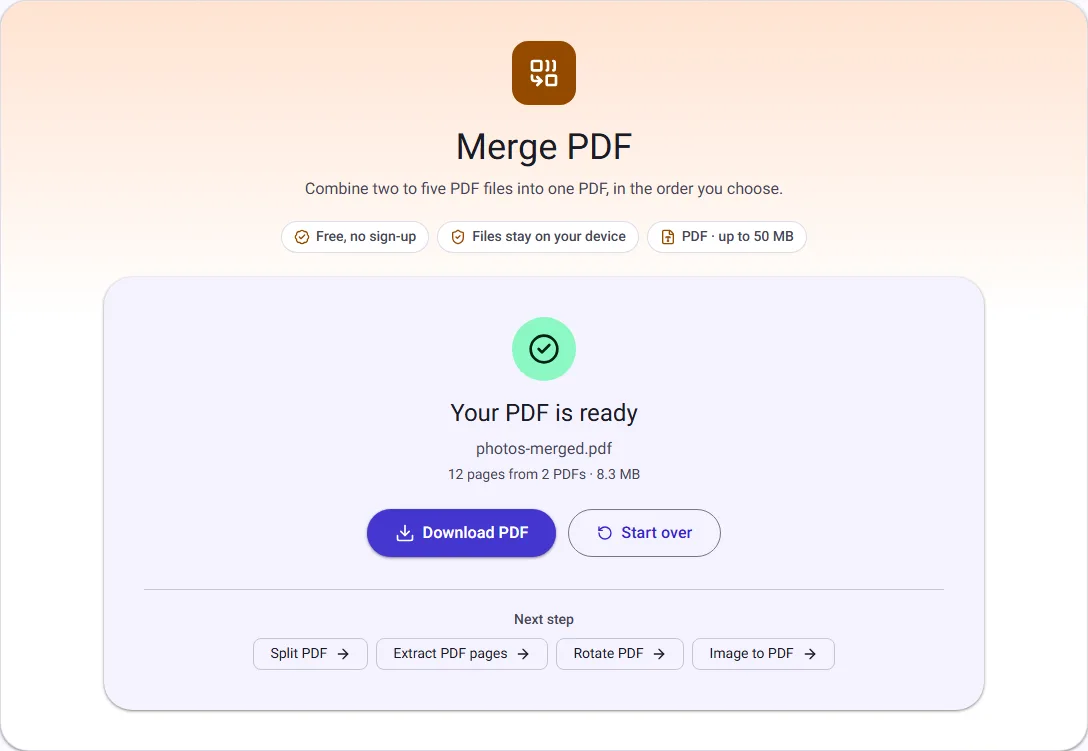
We ran this ourselves on 17 October 2026 with public-domain sample files. Your sizes will differ with your own files. The full walk-through is in How to Merge PDF Files (and Put Pages in the Right Order).
What the merged PDF contains
Every page of every file is copied into one new PDF, file after file, in the order of the list. The pages themselves are not re-rendered or re-compressed, so text stays selectable and images keep their quality.
Some document-level extras do not carry over. Bookmarks (the outline panel in PDF readers) are not copied, and interactive form fields may stop working in the merged file, although their current contents still show. If you need a fillable form, merge the other files and keep the form separate.
File size and limits
The merged PDF is usually about as large as all the files together. When several files embed the same fonts, each copy is kept, so the result can be a little larger than the sum. If it is too big to email, you can send it in parts made with Split PDF.
Password-protected PDFs cannot be merged, because their pages are encrypted. Remove the password with Unlock PDF first; you will see a clear message naming the file if one is protected.
Your documents stay private
Merging happens inside your browser tab. Your PDFs are read and combined on your own device, and nothing is uploaded, which matters for contracts, bank statements and other personal papers.