

A WebP file is an image in a format created by Google for the web. It can hold photos or graphics, supports transparency, and usually stores images in fewer bytes than JPG or PNG. You get WebP files mostly by saving pictures from websites. Every current major browser opens them, but some older programs and upload forms do not; in that case, convert the file with WebP to PNG or WebP to JPG.
Why websites use WebP
Smaller images make pages load faster, especially on phones. WebP has a compressed mode that discards some detail, like JPG, and a mode that keeps every pixel, like PNG, and it can keep a transparent background in either. That combination lets one format replace both JPG and PNG on many sites. You can read the technical details on Google's WebP page.
When your browser saves an image from such a site, it saves the WebP the site sent, even though you might have expected a JPG. Stickers in messaging apps such as WhatsApp are WebP files too.
What opens WebP files?
- In a browser: drag the file into Chrome, Edge, Firefox or Safari. Current versions of all of them show WebP (browser support details).
- On your computer: recent versions of the built-in photo viewers on Windows and macOS open WebP. Older versions may not.
- In other software: many editors support WebP now, but older ones, some office programs, print services and upload forms still reject it.
If a program refuses the file, converting it is usually the quickest fix.
Converting WebP: PNG or JPG?
| Your image | Convert to | Why |
|---|---|---|
| Logo, icon, screenshot, anything transparent | PNG | Keeps transparency and sharp edges |
| Photo | JPG | Opens anywhere and stays small |
We tried both with our tools on a public-domain map with a transparent background. As a WebP at quality 80 it was 258.0 KB. Converting that WebP back to PNG gave 369.1 KB, with the transparency intact. PNG is larger here, because it stores the pixels without WebP's compression, but it opens everywhere.
Two things to know before converting:
- JPG has no transparency. When you convert to JPG, transparent parts become white.
- Animated WebP files are not converted by our tools. You get a clear message instead of a still image that silently drops the animation.
Why a converted photo gets so much bigger
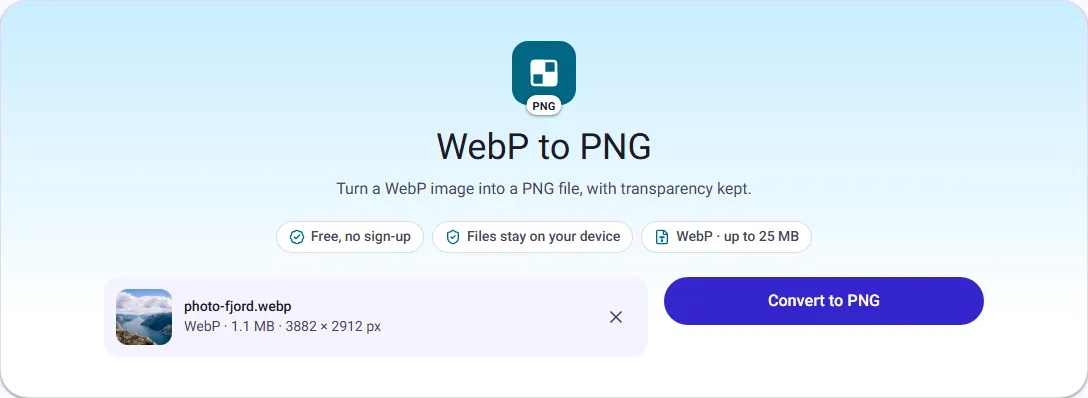
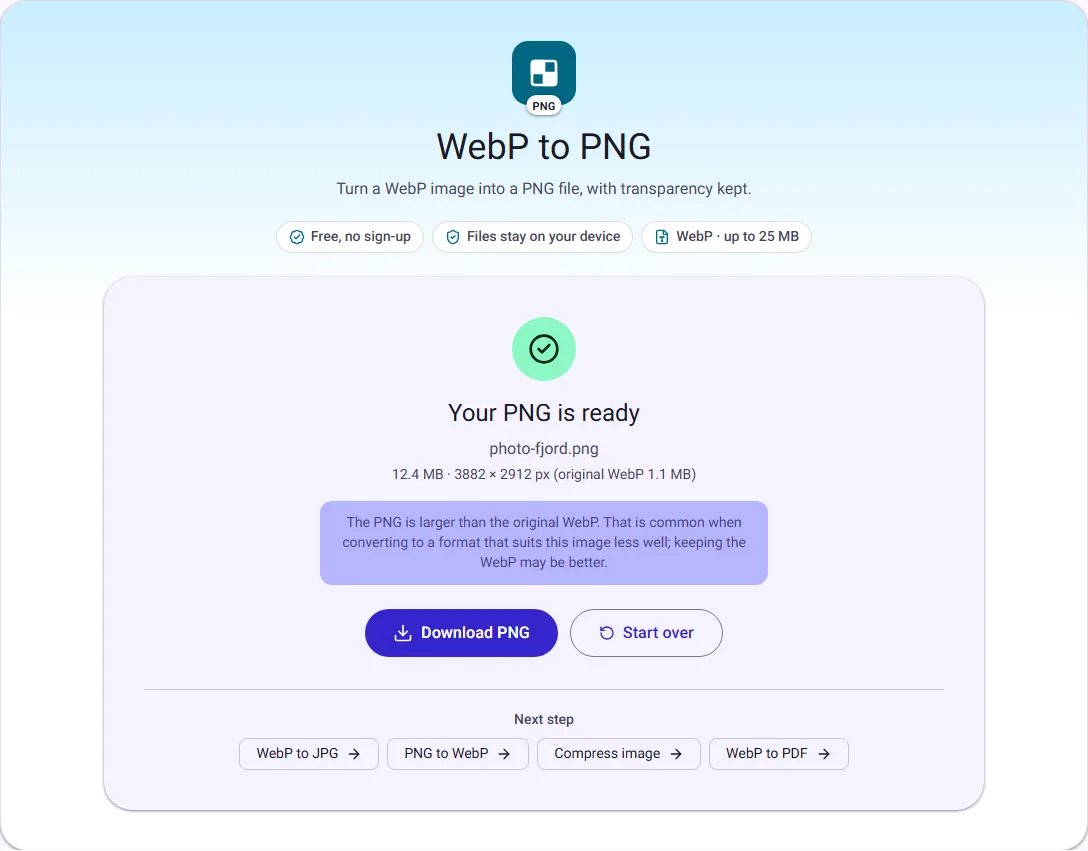
When we converted a 1.1 MB WebP photo to PNG, the PNG was 12.4 MB, more than ten times larger, with exactly the same picture. PNG stores every pixel without the compression that made the WebP small. That is fine for a logo, but for a photo it wastes space, so convert photos to JPG instead.
How to convert a WebP file step by step
- Open WebP to JPG for a photo, or WebP to PNG for a logo, screenshot or anything with a transparent background.
- Choose the WebP file. The tools convert one image at a time.
- For JPG, keep the quality at 85 unless you need a smaller file; PNG has no quality setting.
- Select Convert, check the size and dimensions shown, then download.
The converted image has the same width and height in pixels as the WebP.
Renaming a .webp file is not converting it
Changing the file name from photo.webp to photo.jpg does not change what is inside it. Many programs and upload forms look at the content, not the name, and still reject the file, or show an error when they try to read it. A real conversion rewrites the image in the new format. Our tools also check files by their content, so a renamed WebP is still recognised as WebP.
Going the other way
If you run a website, converting your own PNG and JPG images to WebP can cut their size. On a public-domain photo of 2.9 MB, our JPG to WebP converter at quality 80 produced a 1.1 MB WebP of the same dimensions. Whether that is worth it depends on your audience; Should you use WebP images on your website? looks at the tradeoffs.
Questions people ask
Can I open WebP on my phone? Yes. Current Android and iPhone versions show WebP images in their photo and file apps. Some third-party apps may still refuse them.
Does converting WebP to JPG improve the quality? No. Converting cannot bring back detail the WebP left out, and JPG adds its own compression. At quality 85 the difference is hard to see; use a higher quality if the image will be edited again.
Is a WebP file safe to open? It is an image format like JPG or PNG. Treat files from unknown senders with the usual care, whatever their format.
Are my images uploaded when I convert? No. Our WebP converters work inside your browser tab and your images never leave your device.
How we measured
On 30 September 2026 we ran our own tools in Chrome on public-domain images from Wikimedia Commons: a geological map with a transparent background (public domain) and a fjord photo (CC0). On 17 October 2026 we also converted the fjord photo to WebP and back to PNG for the screenshots. Sizes are the downloaded files, in KB and MB of 1024 bytes.

