

Compress PDF
Reduce the file size of a PDF, mainly by shrinking the photos and scans inside it.
- Free, no sign-up
- Files stay on your device
- PDF / up to 50 MB
Step by step
How to compress a PDF
Step 1: Drop a PDF on the box above, or select Choose file.
Step 2: Choose a level. Recommended suits most files; Strong makes the smallest file with softer images.
Step 3: Select Compress PDF, check the before and after size, then Download PDF.
Worked example
A photo PDF and a text-only PDF
A two-page PDF of full-size photos was 8.3 MB. At the Recommended level it became 404.8 KB, 95% smaller; at Strong it became 152.9 KB. The photos inside were reduced, which is where almost all the size was.
A 10-page text-only report of 14.3 KB did not get smaller, so the tool said so and offered the original unchanged. Text-only PDFs are usually compact already.
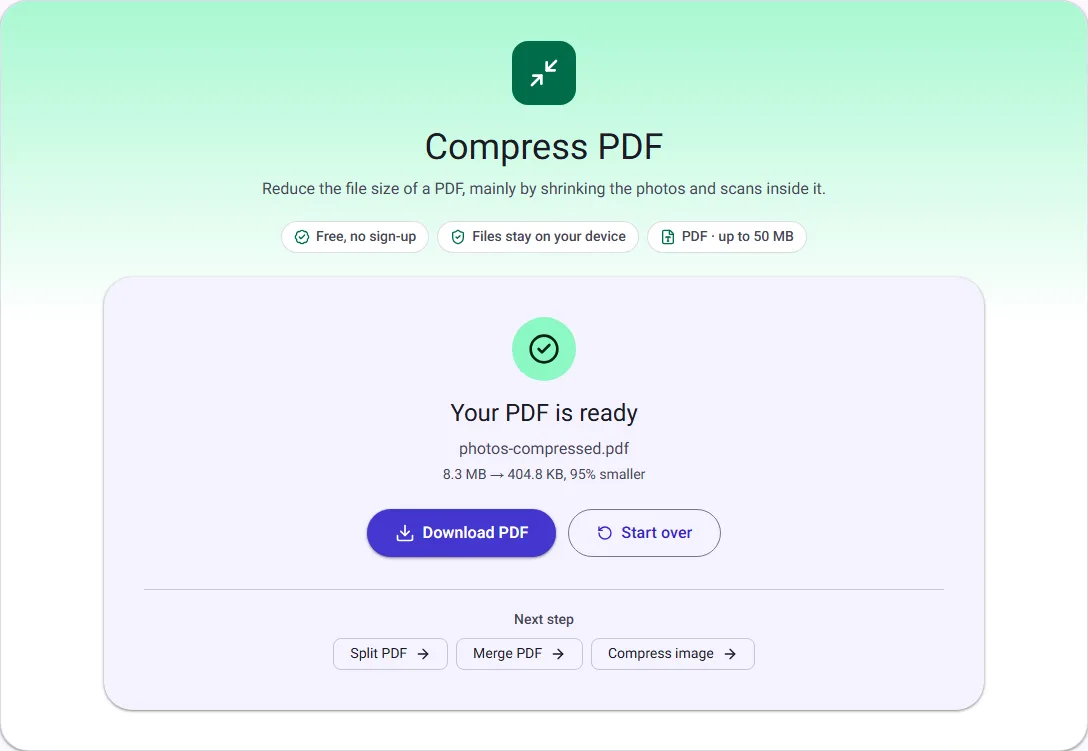
We ran this ourselves on 17 October 2026 with public-domain sample files. Your sizes will differ with your own files. The full walk-through is in How to Reduce PDF Size (and Why Some PDFs Won't Shrink).
What makes a PDF large
In most large PDFs, the bulk of the size is photos and scanned pages, often stored at a much higher resolution than a screen or office printer needs. Text, by comparison, takes very little space. That is why this tool mainly works on images: it scales large photos down and saves them again as JPG at a lower quality.
A PDF that is mostly text, such as a document exported from a word processor, is usually compact already and may not get any smaller. Some images are left as they are, for example ones with transparency, print-style CMYK colour or unusual formats, because re-saving them could change how they look.
The three levels
Light only reorganises how the file is stored and never changes the images, so it gives a small saving at best. Recommended fits photos within 2000 pixels and saves them at a JPG quality of 72, which keeps them sharp on screen. Strong fits them within 1400 pixels at quality 55, for the smallest file when the images only need to be readable.
Text, fonts and vector graphics are kept as they are at every level, so text stays sharp and selectable.
Honest results
The tool shows the real size before and after. If no smaller valid PDF can be made, you get your original file back, unchanged, with a message saying so, rather than a larger or damaged file. The compressed file is checked to have every page before you can download it.
Everything happens in your browser tab, so your PDF is never uploaded.